1. Choose a signature photo
Upload a signature photo in JPG, PNG, or WebP format. Use Crop before processing to leave out unrelated document text.
Turn a photo of your handwritten signature into a transparent PNG for your own documents. Use an image containing only the handwriting, remove the paper background, and compare every stroke with the original before saving.
Prepared handwriting illustrations, not personal signatures or live processing results. Always compare your own strokes with the original.
or drop a photo here
JPG, PNG, WebP · up to 10 MB · 40 megapixelsTry an example:
5 free credits daily — enough for 1 image. No sign-up required.
Upload a signature photo in JPG, PNG, or WebP format. Use Crop before processing to leave out unrelated document text.
Start Fast · Preview, then compare the handwriting with your original. AI editing can redraw strokes. Restore copies original pixels and may also bring back the paper background.
Save the transparent PNG image to place in your personal letters or documents.
FROM PAPER TO IMAGE
Use a clear scan or a well-lit photo containing only the handwriting you need. An uncluttered image is easier to crop and inspect.
Crop out unrelated document text before processing, while keeping a small margin around the longest strokes. Upload only the portion you intend to use.
Upload a signature photoPERSONAL DOCUMENTS
A transparent PNG can be placed into your own letter or document without carrying a paper-colored rectangle with it.
The result is an image. Fremovebg does not verify identities, issue signing certificates, or provide an electronic-signing workflow.
Upload a signature photoFINE STROKE REVIEW
Compare loops, crossings, and light pen marks against the original. Switch preview backgrounds to make small missing or unwanted areas easier to see.
AI editing can redraw handwriting. Restore copies original pixels and may restore paper too. If the strokes are not faithful, keep the original instead of using that result.
Upload a signature photoFROM EDIT TO EVERYDAY USE
Keep transparency for another layout, or save the background you selected.
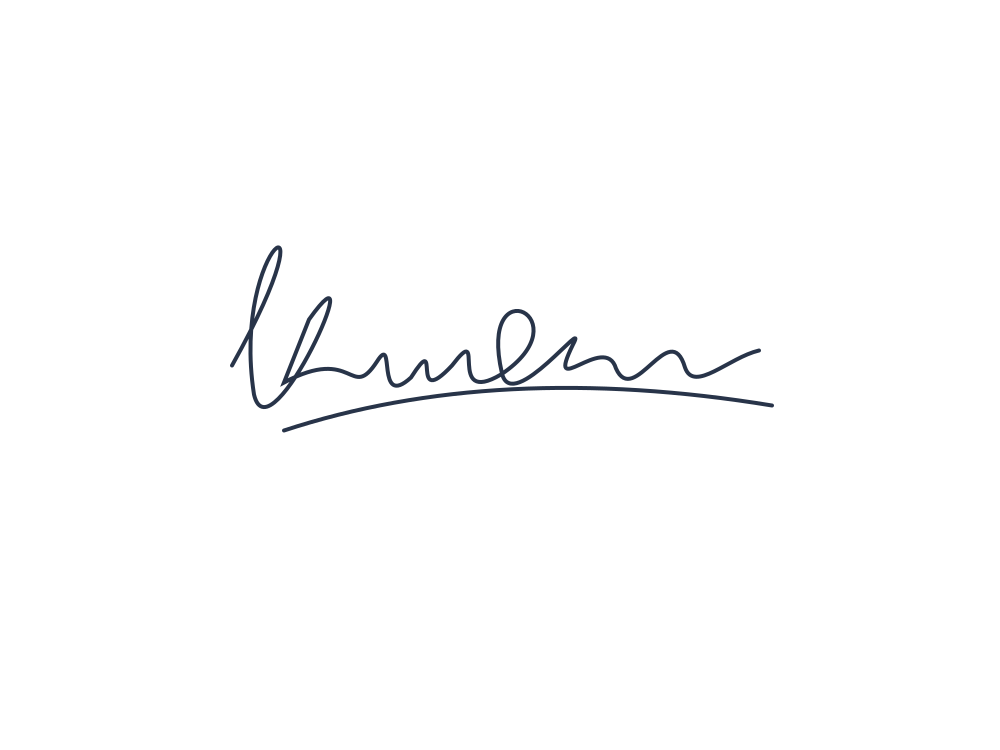 PNG
PNGKeep transparency when placing your image in a personal letter or document.
Upload a signature photo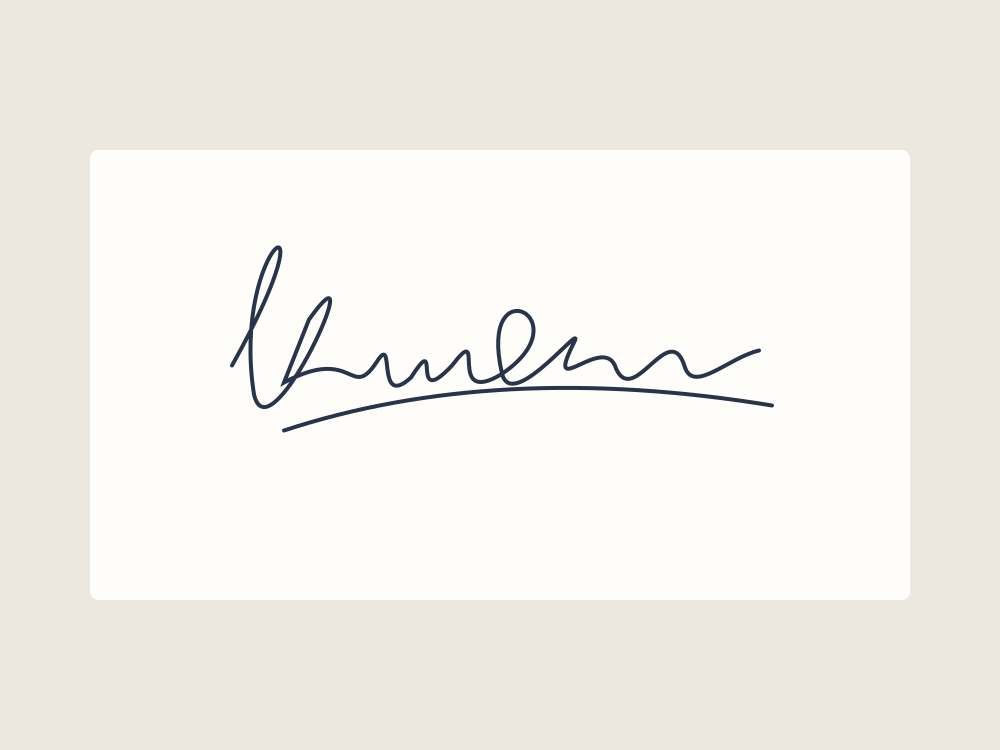 ORIGINAL
Keep the original scan or photo so you can check shape, spacing, and fine pen lines.
Upload a signature photo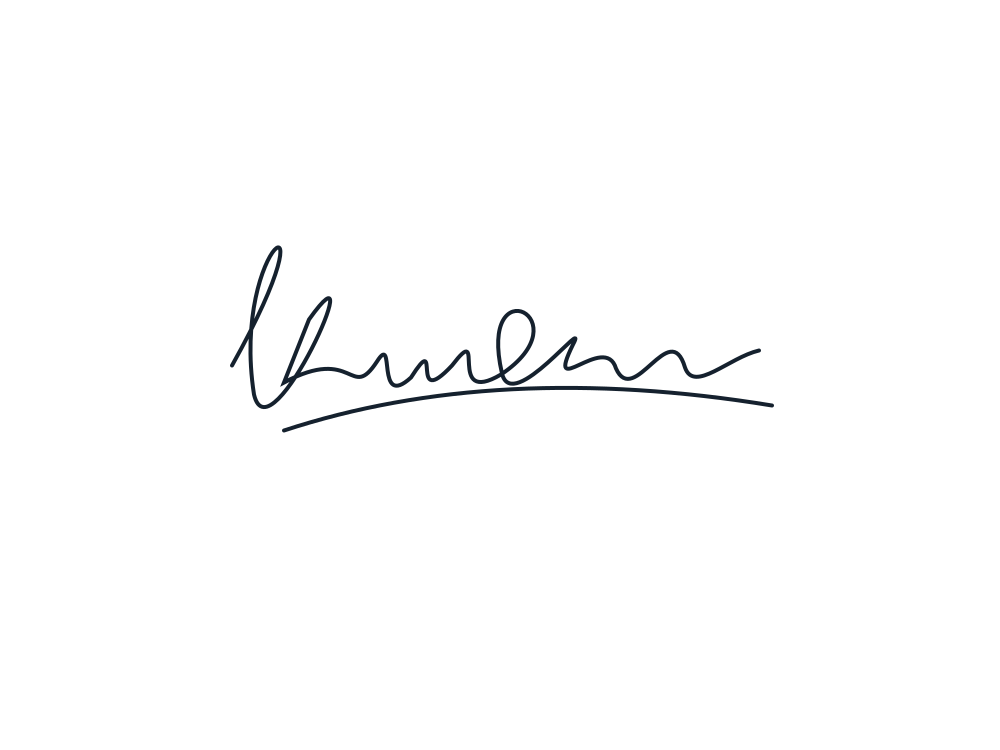 PREVIEW
Look around the handwriting for paper fragments. A checkerboard indicates transparent space in the preview.
Upload a signature photoPrepared examples illustrate uses of the tool. They are not live processing results.
Download helpYOUR IMAGE, YOUR FINAL CHECK
Work in the same editor, keep the original, and review the result before saving.
Prepared handwriting illustrations, not personal signatures or live processing results. Always compare your own strokes with the original.
Upload a signature photoReturn to the same browser to pick up your selected images. Uploading saves a draft without starting paid processing.
Leave unrelated text out of the selected image and keep enough room around long pen strokes.
Compare every thin line, loop, and crossing with your original image.
Restore copies pixels from the original, so it can also bring back paper around the ink.
The editor shows available models and credits. The daily 5-credit allowance covers one Fast · Preview image at 3 credits when available.
Downloading a completed result does not use more processing credits. A selected original is not a processed image.
EVERYDAY USES
Prepare handwriting to place into your own letter layout.
Keep the image separate from the original scan.
Use a clean image in a personal design.
Illustrative use cases · About Fremovebg · Editing help & limitations
Upload your image, review the processing options, and keep your draft in the same workspace.
Upload a signature photoEXPLORE THE PHOTO TOOLKIT
No. The result is a graphic image cutout of your handwriting. It does not verify identity, provide legal signing certificates, or replace electronic signature services.
Use an image containing only the signature you want to process. Crop away unrelated document text before starting. Processing sends the selected image to our service and an external AI provider.
Restore copies pixels from your original image, so it can bring back a missing stroke and some surrounding paper. Check the whole signature against your original; the brush does not automatically reconstruct handwriting.
AI editing can change strokes or framing. Compare the result with your original before using it. For a logo image instead, use Logo Background Remover.
Running Fast · Preview on a cropped signature costs 3 credits from your daily allowance of 5 free credits. Downloading the completed PNG costs no extra credits.